
Billing
How to purchase and manage your Dewey Data subscription
Subscribing
To purchase a Dewey Data license, simply click on the Subscribe button, which can be found on the Datatab the Projects tab, and the Account tab under billing.
Generating a quote
If you require approval from your procurement team before proceeding with a purchase, click Generate Quote on the payment page. From here, you can fill out your billing information and we'll send a quote to your account email. You can forward this to any approving body, and once ready, return to the payment page to subscribe.
Scheduling an onboarding call to access dataOnce you've purchased your Dewey Data subscription, you'll be prompted to schedule an onboarding call with a member of the Dewey team. You will not be able to access data until you complete the onboarding.
Managing your subscription
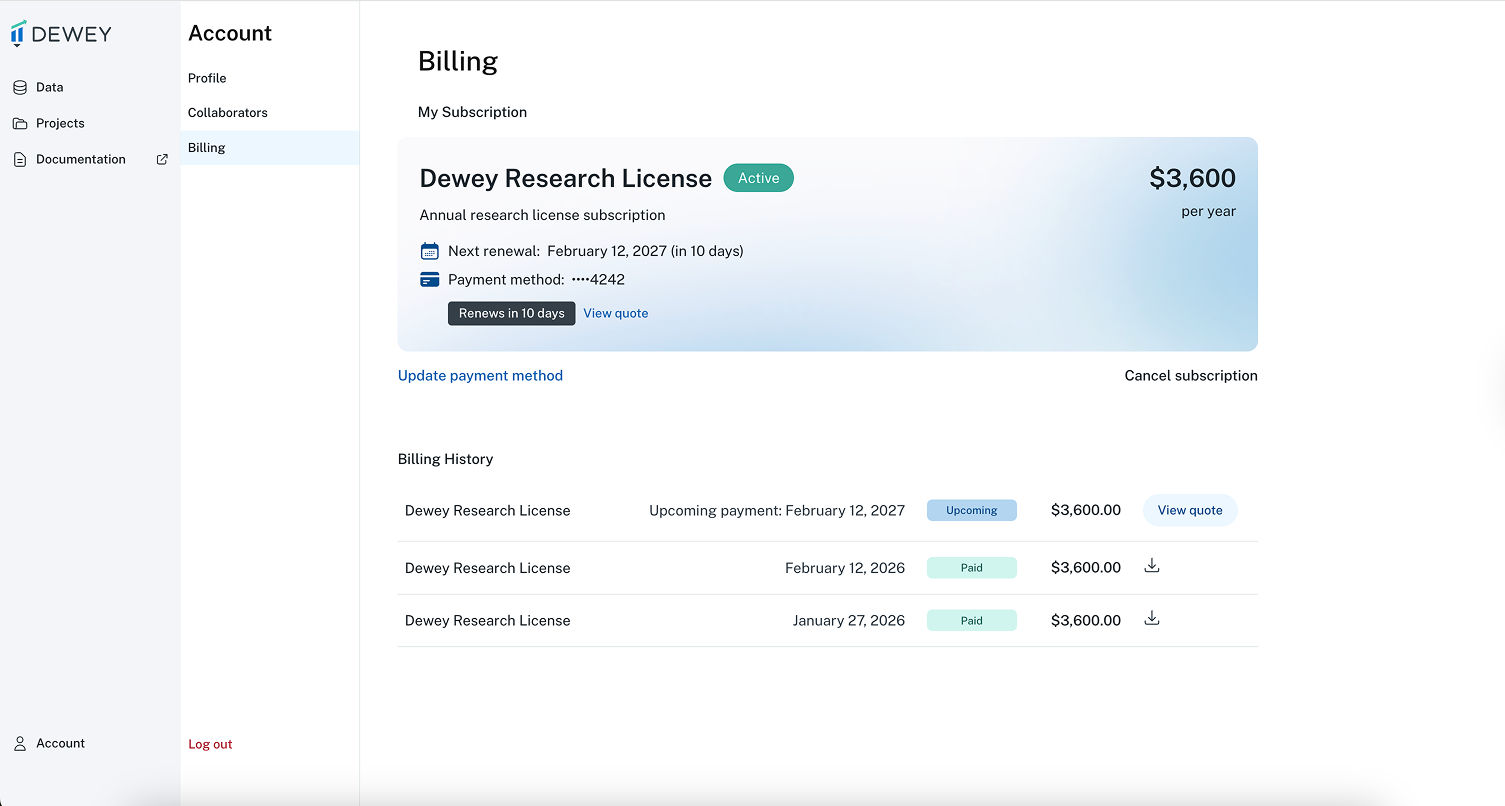
Once you've subscribed - you'll be able to manage your payment information and review your renewal details from the Billing page under the Account tab. If you'd like to receive an invoice for your upcoming renewal, select Update payment method and click Pay by invoice. Once changed, an invoice will be created and sent to your email on the renewal data.
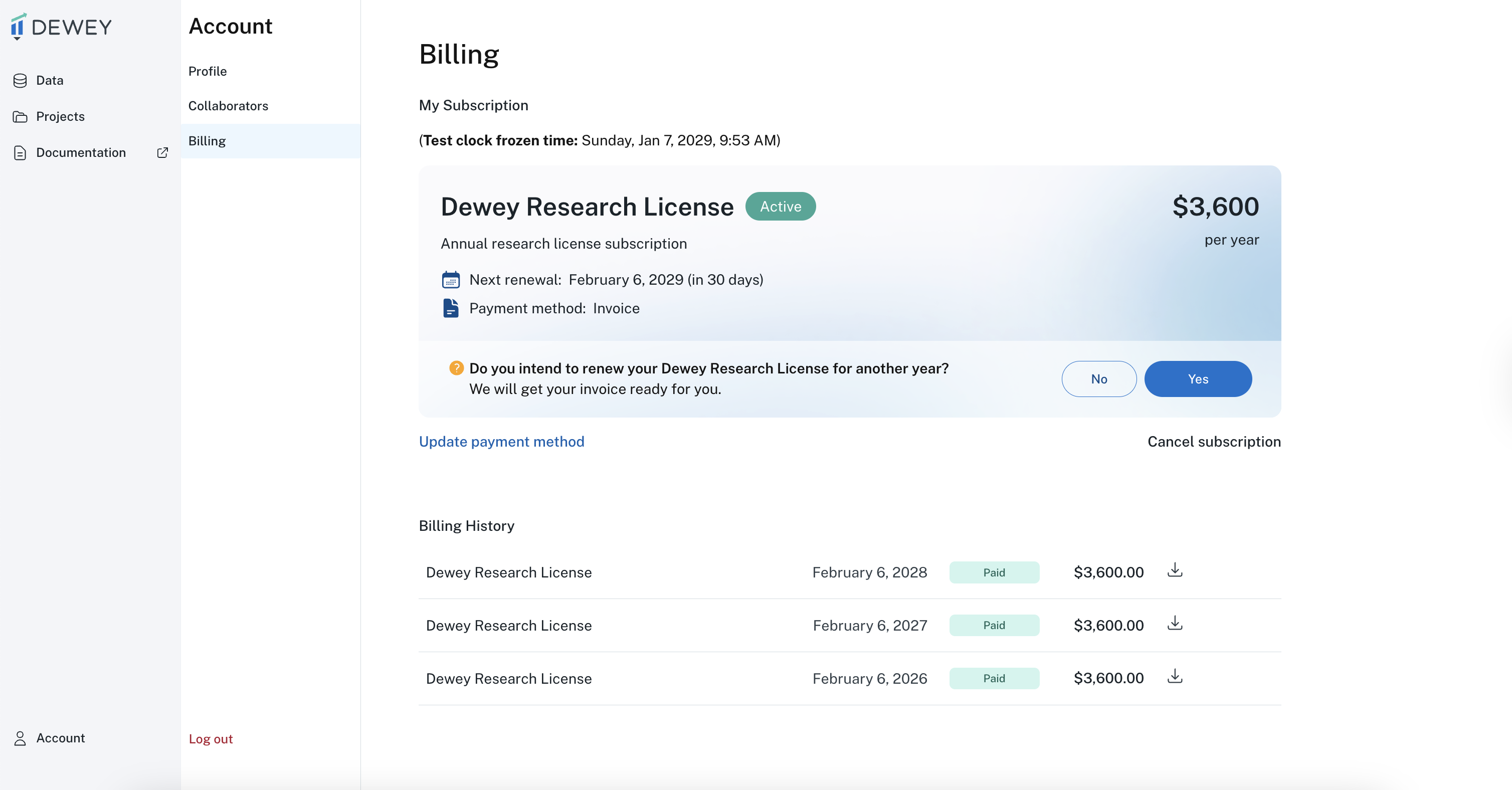
Intent to renew
If your payment method is set to invoice, Dewey will ask you to acknowledge your intent to renew starting 60 days before your renewal date. This manual confirmation of each renewal helps ensure the data is still being used appropriately.
Updated 6 months ago